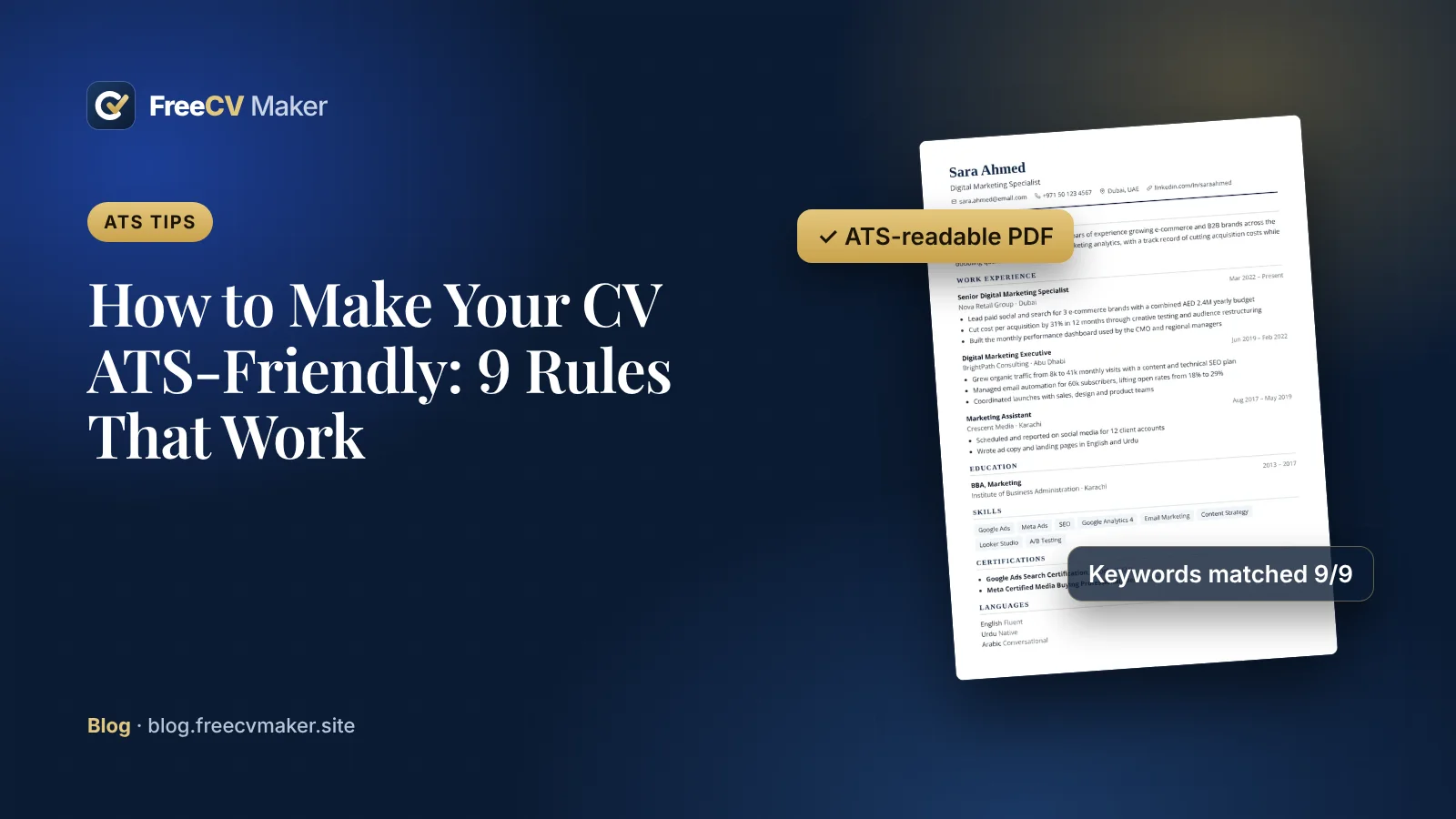
Many employers use an applicant tracking system (ATS) to collect and sort applications. The software reads your CV, pulls out your details and helps recruiters search for matching candidates. If it cannot read your CV properly, a human may never see it.
Here are 9 rules that keep your CV readable.
Formatting rules
- Send a PDF with real text. Never send a photo or scan of your CV. If you can select the words in your PDF with your mouse, an ATS can usually read them too.
- Use standard headings such as Work Experience, Education and Skills. Creative headings like "My Journey" confuse software.
- Keep a clear reading order. Single-column layouts are the safest. Two-column designs are fine for most systems but keep your most important information in the main column.
- Avoid text inside images, icons or charts. Skill bars and logos look nice but carry no readable text.
- Use common fonts and normal sizes, roughly 10–12 pt for body text.
Content rules
- Match the keywords in the job advert. If the advert says "project management", use that exact phrase, not only "managing projects".
- Write the job title clearly for each role, followed by the company and dates.
- Use simple date formats, for example Jan 2023 – Mar 2025.
- Spell out abbreviations once, for example Search Engine Optimisation (SEO).
Quick check before you apply
- Open your PDF and try to select the text
- Compare your skills section with the job advert
- Make sure your phone number and email are correct
Every template in Free CV Maker exports a PDF with real, selectable text. For the strictest portals, choose the Classic or Minimal template.
Turn these tips into a great CV
6 premium templates, live preview, free PDF. No sign-up.